
 NOW BOARDINGPlus Sync
PLUS SYNCIS LIVE.
Your flight schedule, on your FlightWall. Connect your calendar, review your flights, and the display keeps everyone at home up to date.

What's in Sync
Built around real crew schedules.
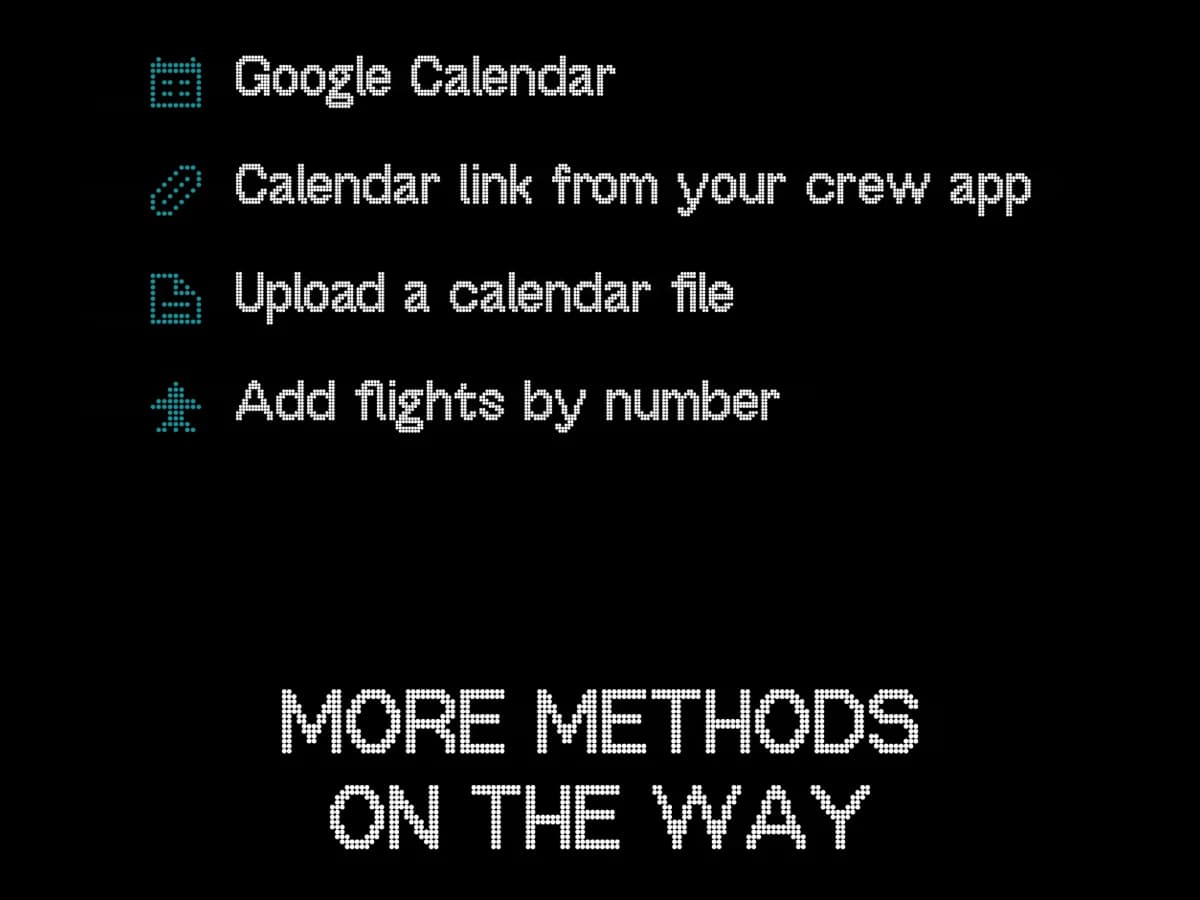
Connect your schedule
Google Calendar, a calendar link from your crew app, a calendar file, or flights by number.
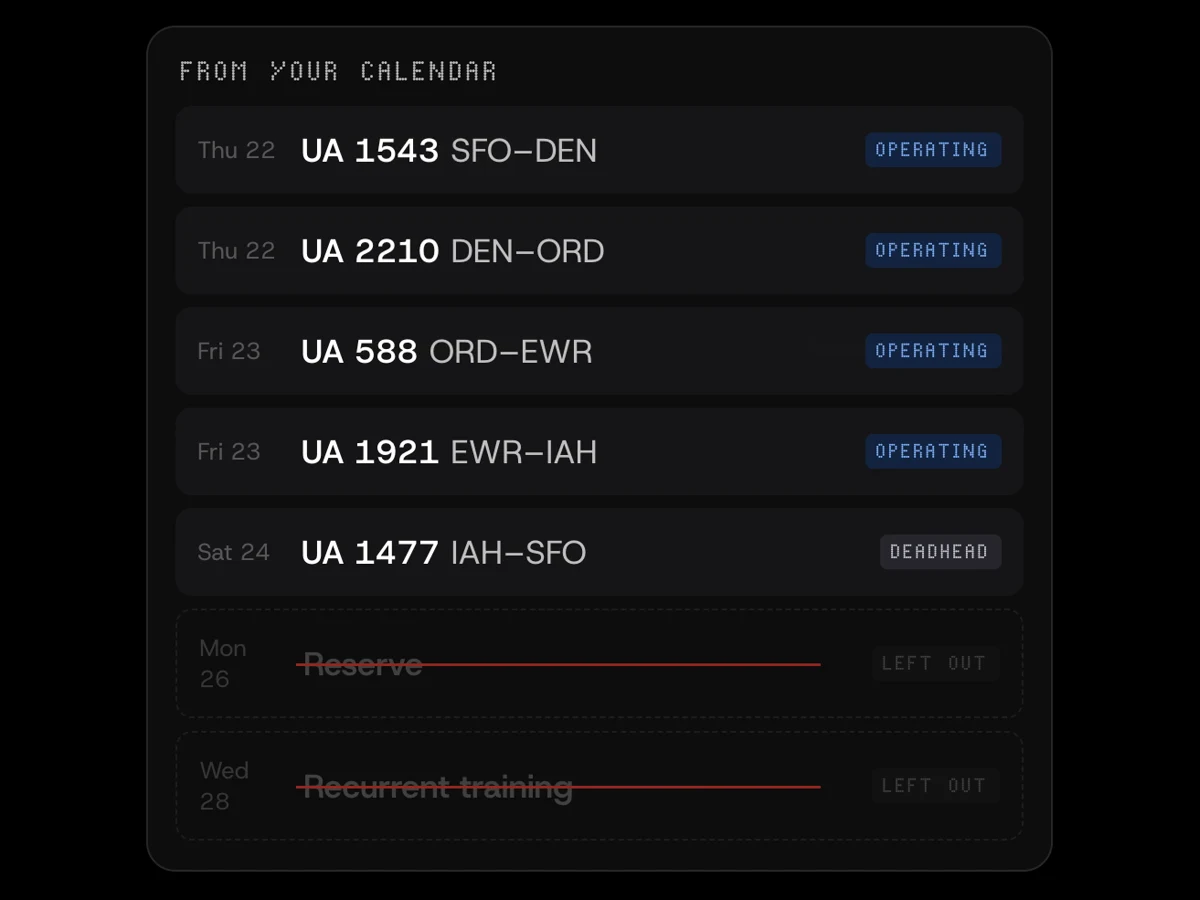
Pairings in, reserve out
Pairings are split into legs, deadheads are labeled, and reserve and training stay off the wall.
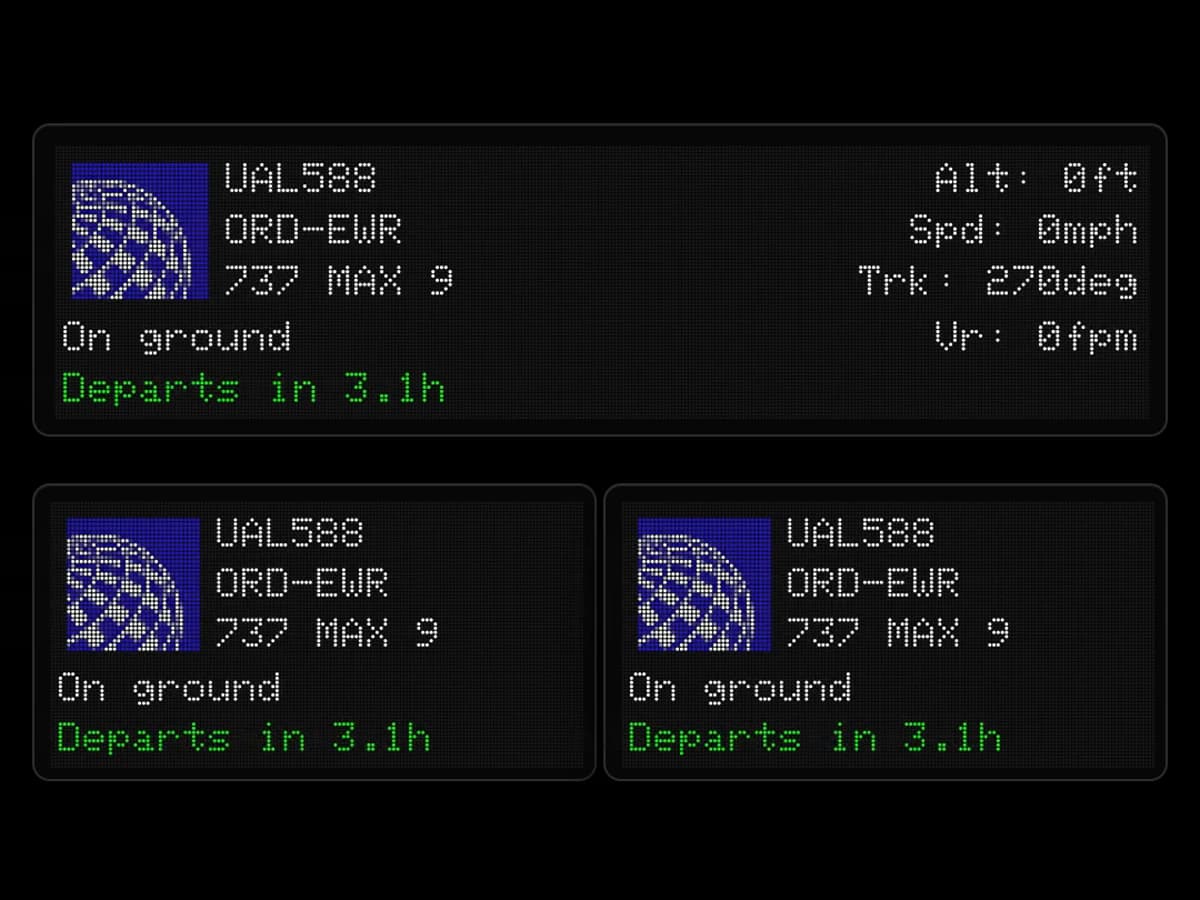
Link up to three FlightWalls
One schedule keeps up to three displays current, so everyone you fly home to can follow along.
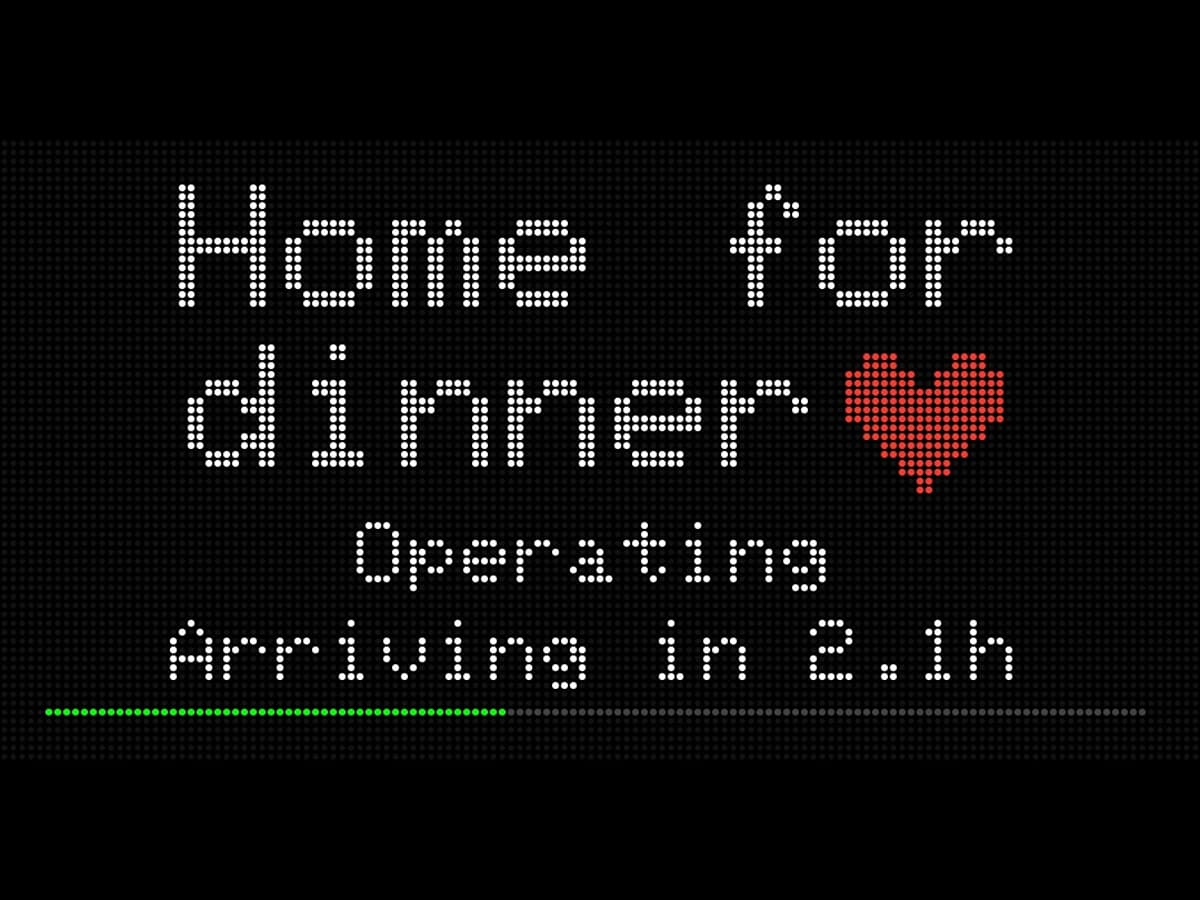
A message home
Choose how the current leg looks and add a custom message for the people back home.
One subscription
$10/MONTHOR $100/YEAR
Works with every FlightWall, including all future Plus features.
- Available now in the U.S.
- EU, UK, Australia, New Zealand, and Canada coming soon
 TheFlightWall MiniPlus is an add-on for the displaySee TheFlightWall Mini